# website monitoring
What Does 99.9% Uptime Really Mean for Your Website?
When you sign up for web hosting, you're almost always promised a shiny uptime guarantee — typically 99.9%. It sounds impressive. Three nines! Nearly perfect! But when you dig into what that number actually means in practice, the reality might surprise you.
In this guide, we're breaking down what uptime percentages mean in real terms, how much downtime you're actually accepting, and why you should never rely solely on your host's word for it.
What Is Website Uptime?
Uptime refers to the percentage of time your website is accessible and responding to visitors. A website with 100% uptime would never go down — ever. In practice, that's almost impossible to achieve, which is why hosting providers quote a percentage slightly below 100%.
The higher the uptime percentage, the more reliable the service. Simple enough — until you start converting those percentages into actual minutes and hours of downtime.
Uptime vs Availability — Are They the Same?
These two terms are often used interchangeably, but there's a subtle difference worth knowing:
- Uptime — whether your server is running and responding
- Availability — whether your website is actually reachable and usable by real visitors
Your server can be up while your website is unavailable. This distinction matters a lot when evaluating your hosting provider's SLA claims.
The Maths Behind the Percentage
Let's put some real numbers to these common uptime guarantees:
| Uptime % | Downtime per year | Downtime per month | Downtime per week |
|---|---|---|---|
| 99% | 87.6 hours | 7.3 hours | 1.68 hours |
| 99.9% | 8.76 hours | 43.8 minutes | 10.1 minutes |
| 99.99% | 52.6 minutes | 4.38 minutes | 1.01 minutes |
| 99.999% | 5.26 minutes | 26.3 seconds | 6.05 seconds |
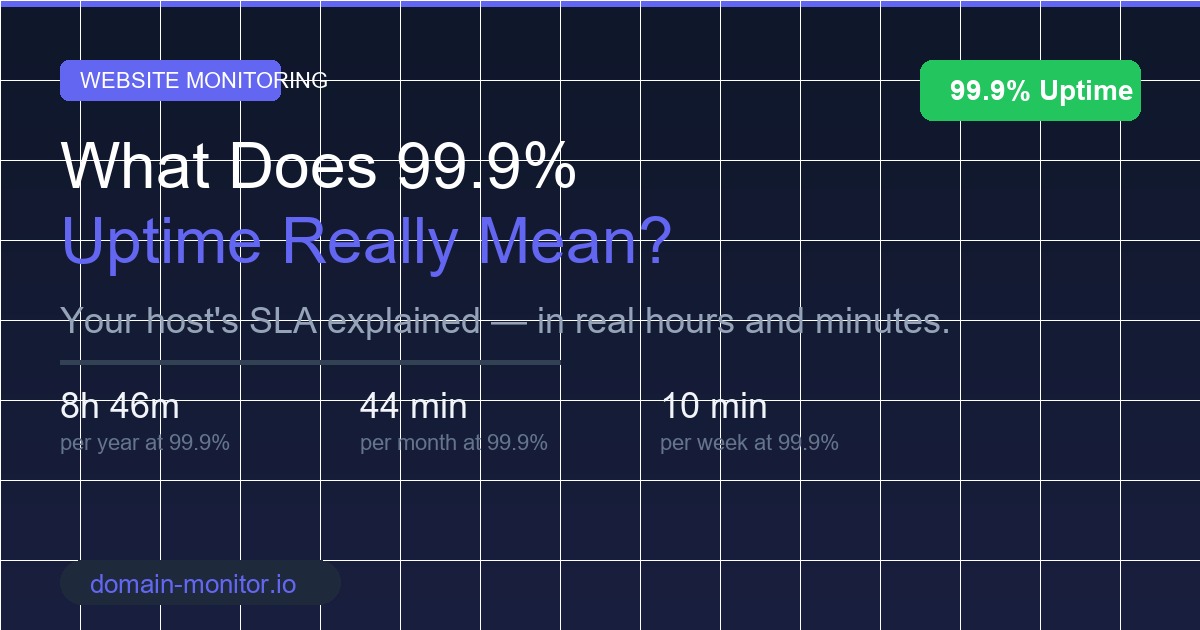
That 99.9% guarantee your host is offering? It means they're technically allowed to be offline for up to 8 hours and 46 minutes per year while still honouring their SLA (Service Level Agreement). For a busy e-commerce store or SaaS platform, that's a significant chunk of lost revenue and damaged reputation.
What "Five Nines" Means
You'll sometimes hear the phrase "five nines" — that's 99.999% uptime, the gold standard for mission-critical infrastructure. At five nines, you're looking at just over 5 minutes of downtime per year. This is what major cloud providers like AWS and Google Cloud target for their core services. For most websites, it's overkill — but it shows just how much difference each additional nine makes.
Why Your Host's Uptime Guarantee Isn't the Full Picture
Here's what many website owners miss: your hosting provider measures uptime from their perspective, not your visitors'.
Your site could be completely unreachable for reasons that your host would never count as downtime — things like:
- DNS resolution failures — your domain can't be found, even though the server is running fine
- CDN outages — a third-party content delivery network goes down between your server and your visitors
- SSL certificate errors — browsers actively block visitors from reaching your site
- Database connection failures — the server is up, but your application has crashed
- Slow response times — your site technically loads, but takes 30 seconds to do so
- Partial outages — some pages work, others return errors
In all of these cases, your visitors experience downtime. But your hosting provider may report 100% uptime on their dashboard, because their servers were technically running the whole time.
The Hidden Blind Spot in Hosting SLAs
Most hosting SLAs only cover server-level downtime — not the full chain of services that sit between your server and your visitors. That means third-party failures, DNS issues, and application errors often fall outside the scope of any compensation they offer.
This is exactly why independent monitoring from an outside perspective is so important.
What Does Downtime Actually Cost?
The cost of downtime varies depending on your business, but it's almost always more than people expect.
For an e-commerce store generating £5,000 per day in revenue, even one hour of unexpected downtime can wipe out hundreds in sales — and that's before factoring in the customers who leave and never return. For larger operations, the actual costs of website downtime quickly escalate into the thousands.
Beyond Lost Revenue
Beyond the direct financial hit, downtime causes a cascade of problems:
- SEO damage — search engine crawlers that hit your site during downtime can deindex your pages or drop your rankings
- Reputation erosion — visitors who encounter a broken site rarely give you a second chance
- Customer support overload — your inbox fills with complaints while your team scrambles to find the problem
- Brand trust — repeated downtime signals to users that your business isn't reliable
And the worst part? Without independent monitoring, you might not even know your site was down until a customer tells you. You can read more about why uptime monitoring matters and how it protects your business at every level.
The Difference Between 99.9% and 99.99%
It's just one extra nine — how much difference can it actually make?
A lot. The difference between 99.9% and 99.99% uptime is roughly 8 hours of downtime per year. That might sound manageable, but consider:
- If that 8 hours falls during your busiest trading period, the impact is multiplied
- Downtime rarely arrives in a single predictable block — it tends to happen in the worst moments
- Each incident carries recovery costs beyond the downtime itself
Which Level Do You Need?
Here's a rough guide to help you decide:
- Blog or portfolio — 99% is usually fine. Brief downtime isn't catastrophic
- Small business website — 99.9% is your minimum. Customers expect reliability
- E-commerce store — 99.95%+ is worth investing in. Every minute of downtime costs money
- SaaS or web application — 99.99% should be your target. Downtime erodes user trust fast
- Financial, healthcare, or critical infrastructure — 99.999% (five nines) is the standard
Why Independent Uptime Monitoring Matters
Your hosting provider has a financial incentive to report high uptime numbers. They're not going to proactively alert you when something goes wrong — and they're unlikely to admit when their figures don't reflect what your visitors are actually experiencing.
Independent uptime monitoring tools check your site from the outside, the same way a real visitor would. When your site goes down — for any reason — you get an instant alert. Not a monthly summary. Not a note buried in a support ticket. An immediate notification so you can act fast.
What to Look for in an Uptime Monitor
Not all monitoring tools are equal. When choosing one, look for:
- Frequent checks — every 1–5 minutes gives you a fast response time
- Multiple check locations — checks from different geographic regions rule out regional issues
- Alert channels — email, SMS, Slack, and webhook support
- Response time tracking — not just up/down, but how fast your site responds
- SSL monitoring — catch certificate expiry before it takes your site offline
- Status pages — communicate incidents to your users professionally
You can learn more about how we detect downtime and the different approaches monitoring tools take.
How to Measure Your Real-World Uptime
If you want to know what your actual uptime looks like — not what your host claims — here's how to get started:
- Set up an independent monitor — tools like Domain Monitor check your site externally, every few minutes
- Run it for at least 30 days — short windows can be misleading
- Review your response times, not just up/down status — slow is the new down
- Compare your real uptime to your host's SLA — you may be owed a credit
Once you have a baseline, you'll be in a much stronger position to evaluate your infrastructure, hold your host accountable, and make informed decisions about upgrades.
The Bottom Line
A 99.9% uptime guarantee sounds reassuring, but once you convert it into real hours of potential downtime, it tells a different story. More importantly, your host's guarantee only covers their infrastructure — not the full picture of why your site might be unreachable to real visitors.
The best way to protect your website is to monitor it independently, from the outside, the same way your visitors experience it. That way, when something goes wrong, you're the first to know — not the last.
Start tracking your real-world uptime with Domain Monitor for free today. You'll get instant alerts the moment your website goes offline, so you can act fast, fix the issue, and keep your visitors happy.
Related Articles
More posts
What Is a Subdomain Takeover and How to Prevent It
A subdomain takeover lets an attacker claim your subdomain by exploiting dangling DNS records. Learn how it happens, real-world examples, and how DNS monitoring detects it.
Read moreWhat Is Mean Time to Detect (MTTD)?
Mean time to detect (MTTD) measures how long it takes to discover an incident after it starts. Reducing MTTD is one of the highest-leverage improvements in reliability engineering.
Read moreWhat Is Black Box Monitoring?
Black box monitoring tests your systems from the outside, the way users experience them — without access to internal code or infrastructure. Learn how it works and when to use it.
Read moreSubscribe to our PRO plan.
Looking to monitor your website and domains? Join our platform and start today.